
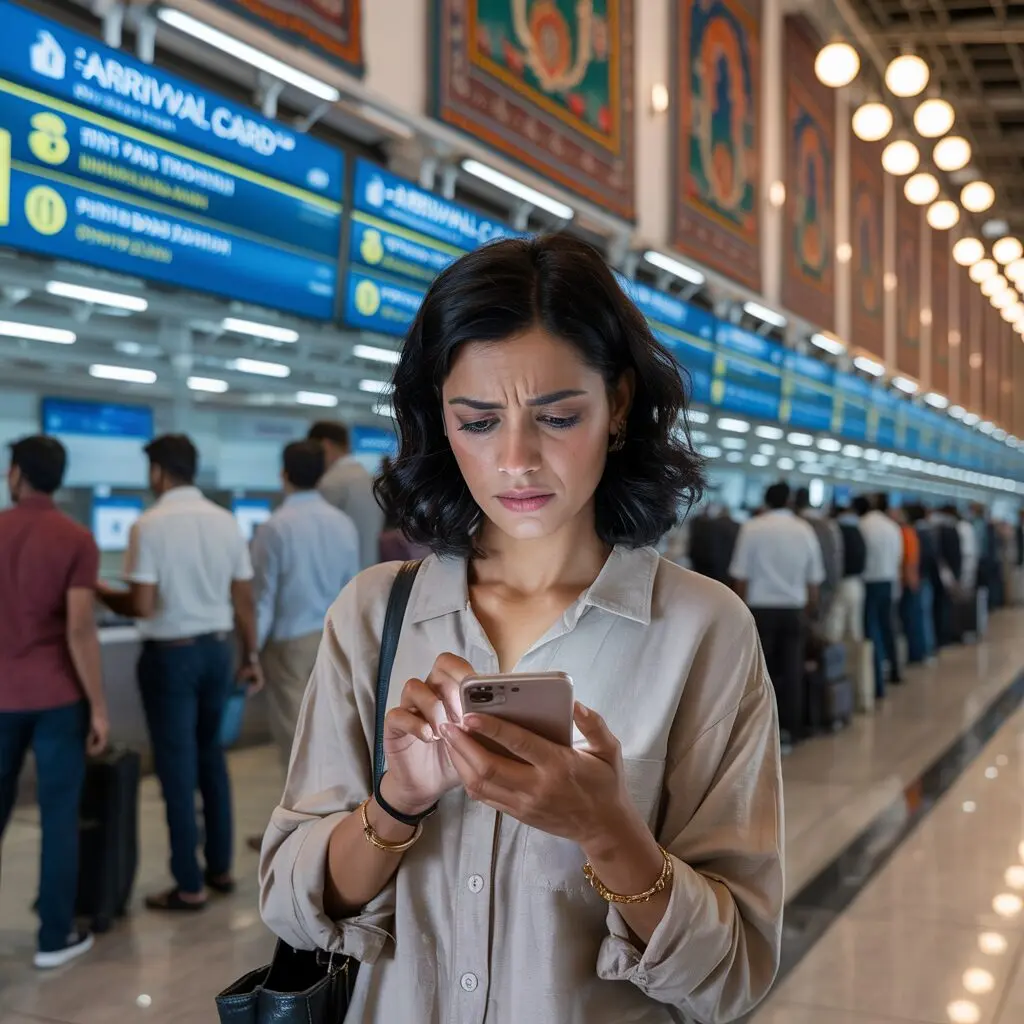
Having trouble with the India e-Arrival Card (Su-Swagatam portal)? This troubleshooting guide covers the most common issues and quick fixes. Always try to resolve problems well before your flight – ideally within the first 24 hours of the 72-hour window.
Issue 1: Website Won’t Load
Solutions:
- Try alternate portal: suswaagatam.gov.in
- Use the Su-Swagatam mobile app (Android or iOS)
- Try a different browser (Chrome, Firefox, Edge, Safari)
- Clear browser cache and cookies
- Try from a different device or internet connection
- Wait 30-60 minutes if experiencing high traffic
Issue 2: CAPTCHA Not Displaying
Solutions:
- Disable ad blockers or browser extensions temporarily
- Enable JavaScript in browser settings
- Use a different browser
- Try on mobile using the Su-Swagatam app
Issue 3: No Confirmation Email
Solutions:
- Check spam, junk, and promotions folders
- Search for emails from “earrival”, “suswagatam”, or “indianvisaonline”
- If email was mistyped, submit a new form with corrected address
- Your registration is valid even without the email – data is in the system
Issue 4: Error Messages on Submission
- “Invalid passport number” – Check you’ve entered the full number including letters exactly as printed
- “Date out of range” – Ensure arrival date is within the 72-hour window
- “Session expired” – Start the form again; it timed out during completion
- “Server error” – Try again in 30 minutes or use the mobile app
Issue 5: Wrong Information Submitted
Submit a new e-Arrival Card with correct information. No penalty, and the most recent valid form is used by immigration. See how to apply guide.
Issue 6: Can’t Access Form More Than 72 Hours Before
This is intentional. The portal only accepts submissions within 72 hours. See our processing time guide.
Issue 7: Airline Denying Boarding
Complete the form immediately using mobile data (not airport Wi-Fi). Contact the check-in desk, show them you are completing it now, and provide the confirmation as soon as it arrives.
Contact and Support
- Email the Bureau of Immigration helpdesk (see indianvisaonline.gov.in for current contact)
- Contact your airline’s check-in support
- Contact your country’s Indian embassy or consulate
For full overview, see the complete guide.
Frequently Asked Questions
What if the Su-Swagatam portal is down?
Try suswaagatam.gov.in or the Su-Swagatam mobile app. If both unavailable, contact your airline and document your attempts.
I entered my passport number wrong – what do I do?
Submit a new e-Arrival Card immediately with the correct passport number. The most recent valid submission will be used.
Can I still enter India if I didn’t receive a confirmation email?
Your registration data is in the system regardless of the email. Try to resolve email issues before travel, but the registration itself is valid.