
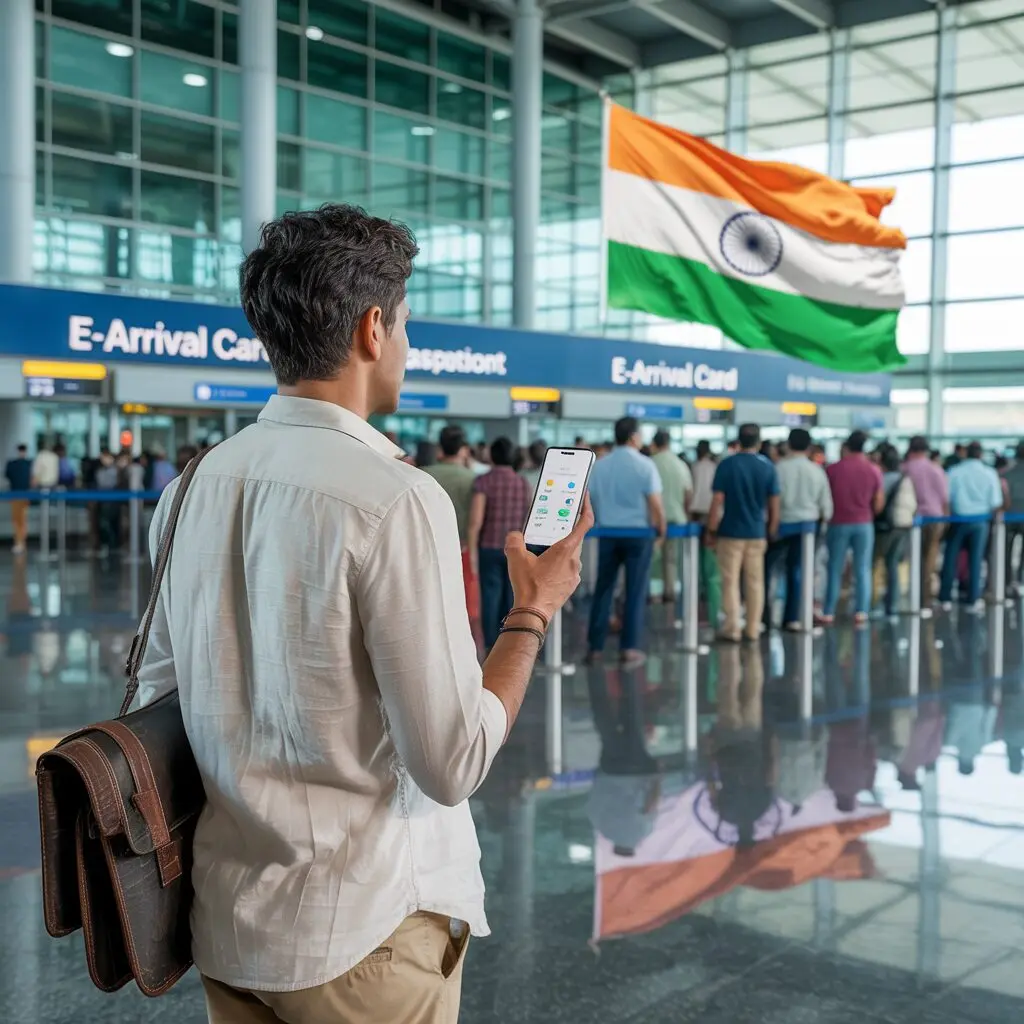
Applying for the India e-Arrival Card through the Su-Swagatam portal is straightforward and takes about 5-10 minutes. It is completely free and must be completed within 72 hours before your arrival in India.
Before starting, check our requirements checklist and confirm eligibility on our eligible countries page.
Step 1 – Access the Official Su-Swagatam Portal
Go to indianvisaonline.gov.in/earrival or download the free Su-Swagatam app from Google Play or the Apple App Store. Always use the official government portal – never third-party services that charge fees.
Step 2 – Select “Fill e-Arrival Card”
Click “Fill e-Arrival Card” on the portal homepage. No account or login is required. Each submission is independent.
Step 3 – Enter Personal Details
Fill in your information exactly as it appears on your passport:
- Full name
- Nationality / Region
- Passport number
- Purpose of visit (Tourism, Business, Medical, Conference, etc.)
Step 4 – Enter Arrival Details
- Date of arrival in India (DD/MM/YYYY)
- Countries visited in the last 6 days (or tick “No Country Visited”)
Step 5 – Provide Your Indian Address
- Full address (hotel name and street)
- State
- District
Step 6 – Add Contact Details
- Email address (confirmation sent here)
- Contact phone number
- Emergency contact number (recommended)
Step 7 – Complete CAPTCHA and Submit
Solve the CAPTCHA, tick the declaration box, and press Submit. You receive a confirmation email within minutes.
Step 8 – Save Your Confirmation
Save or screenshot your confirmation. Airlines may check it at check-in, and immigration officers may ask to see it.
Tips for a Smooth Application
- Apply as soon as the 72-hour window opens
- Have your hotel booking confirmation ready
- Try Chrome or Firefox if you encounter browser issues
- See our troubleshooting guide for technical problems
Frequently Asked Questions
Can I apply from the Su-Swagatam app?
Yes. The Su-Swagatam mobile app (Android and iOS) offers the same functionality as the website. Both are free and official.
What if I make a mistake?
Submit a new form with correct information. The most recent valid submission is used at immigration. No penalty for resubmitting.
Is there any fee?
No. The official Su-Swagatam portal is completely free. Any website charging for the e-Arrival Card is not the official service.
Do I need to print the confirmation?
A digital copy on your phone is sufficient. Printing is optional but can be useful as backup.